
🇬🇧 How to buy an experience
-
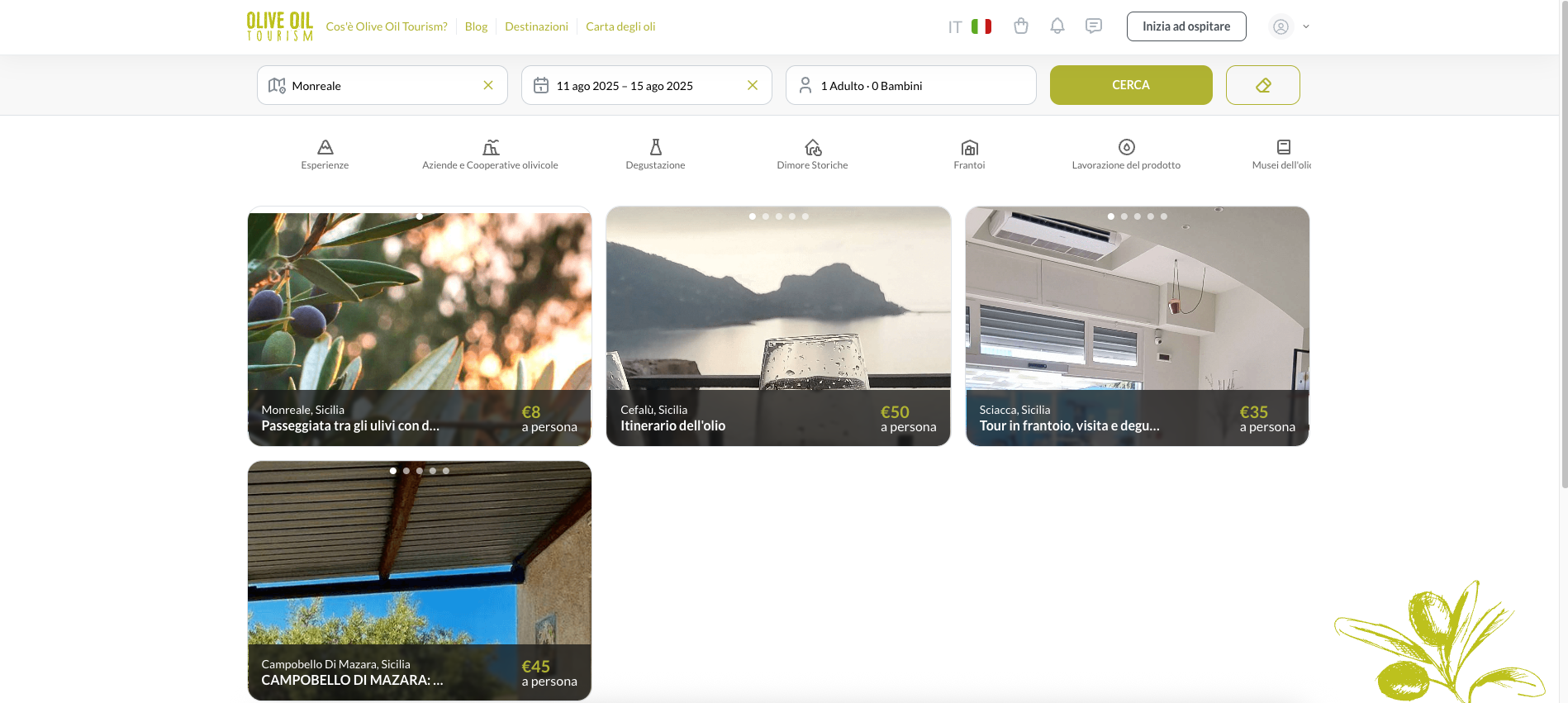
1- Search for the desired experience
Use the search bar or browse the categories to find the experience you'd like.
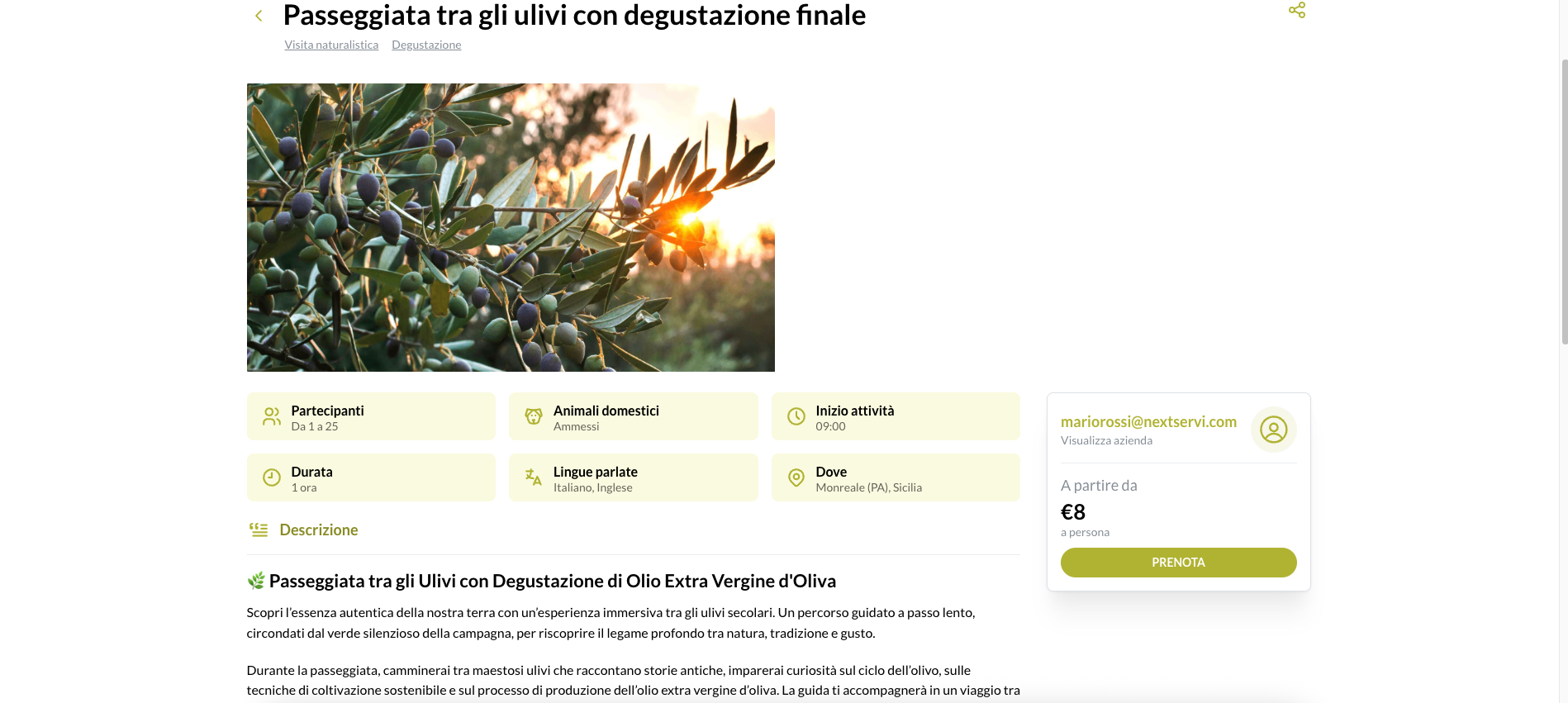
2- Book your chosen experience
After finding the experience that appeals to you, click the "Book" button to begin the booking process.
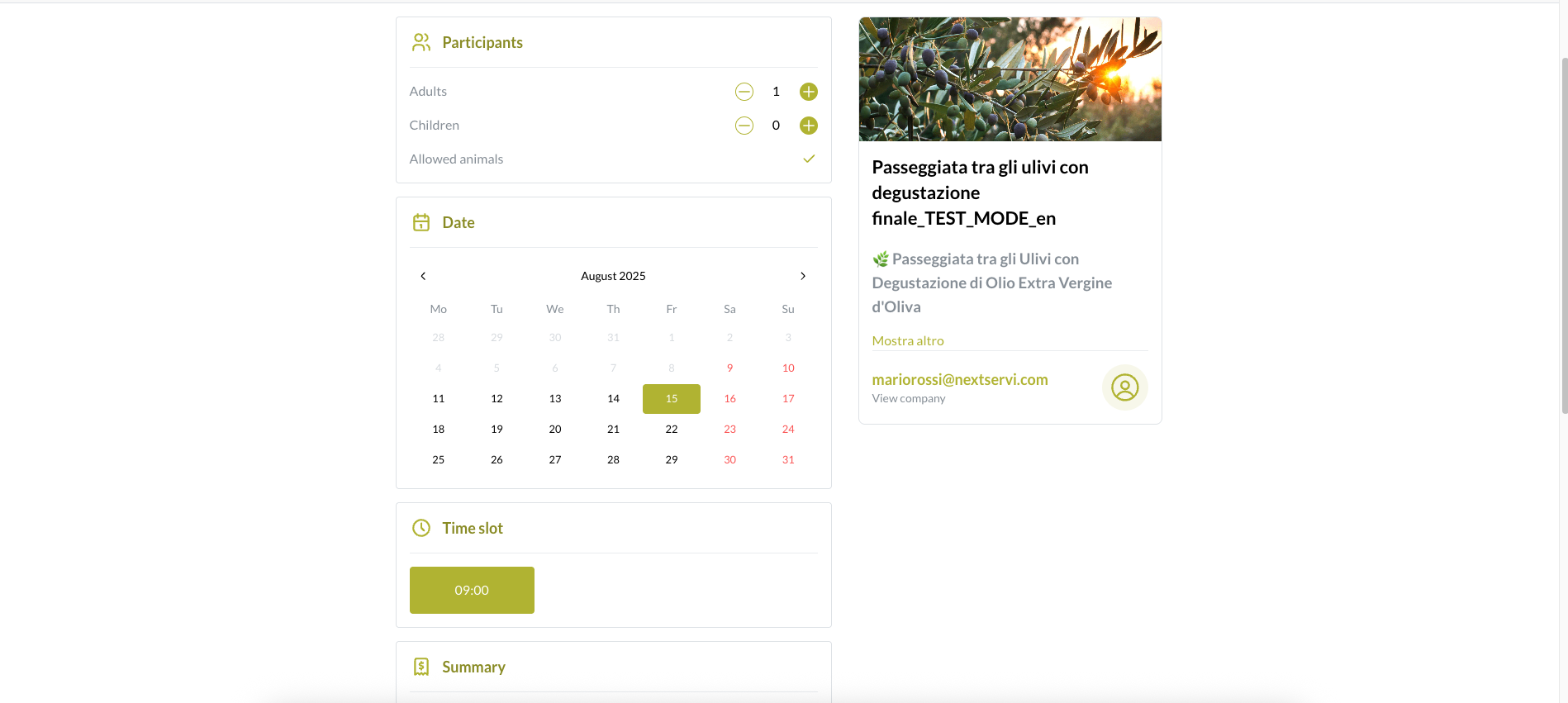
3- Select participants, dates, and time slot
Choose the number of participants, date, and time slot for the experience.
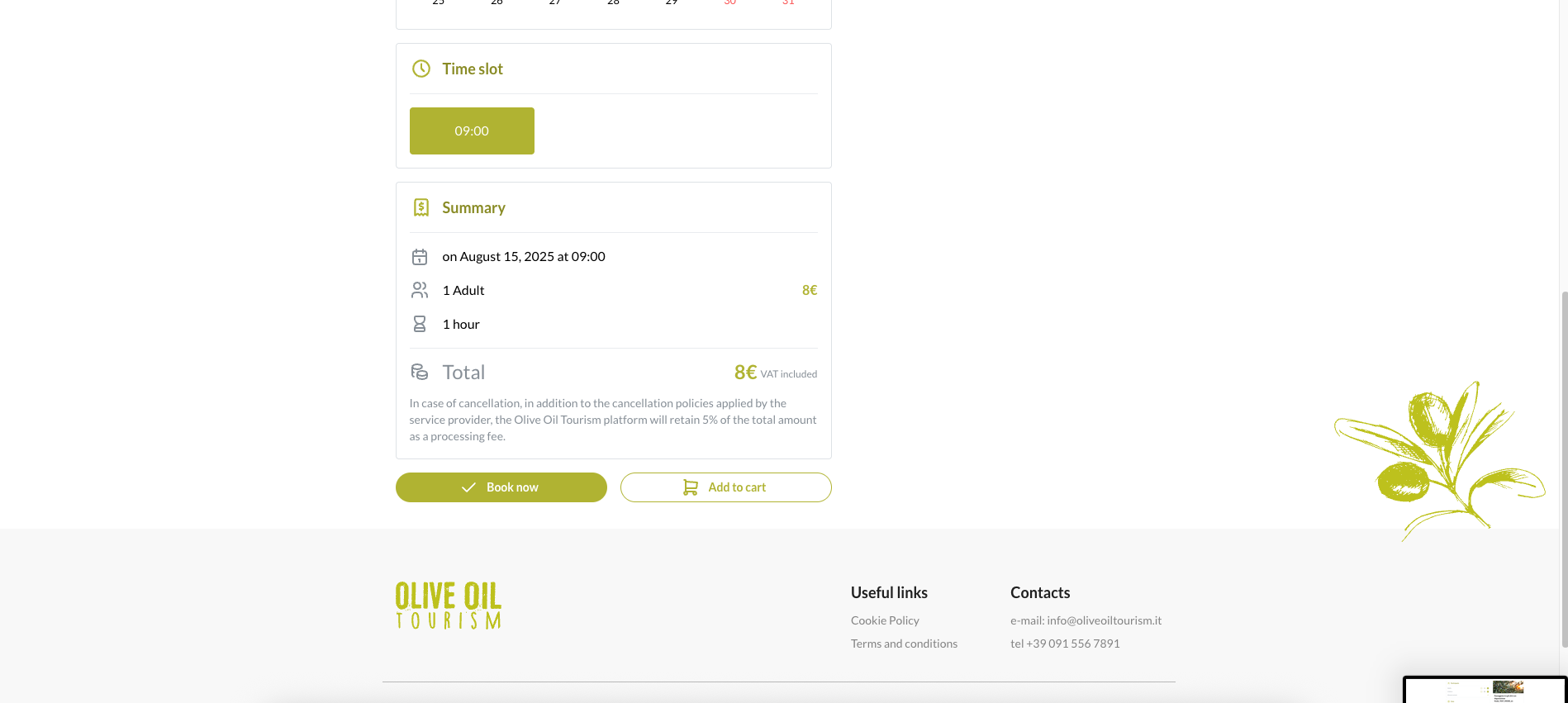
4- Review the order summary and confirm the booking
Carefully review the order summary to avoid errors, then click the "Book" button again.
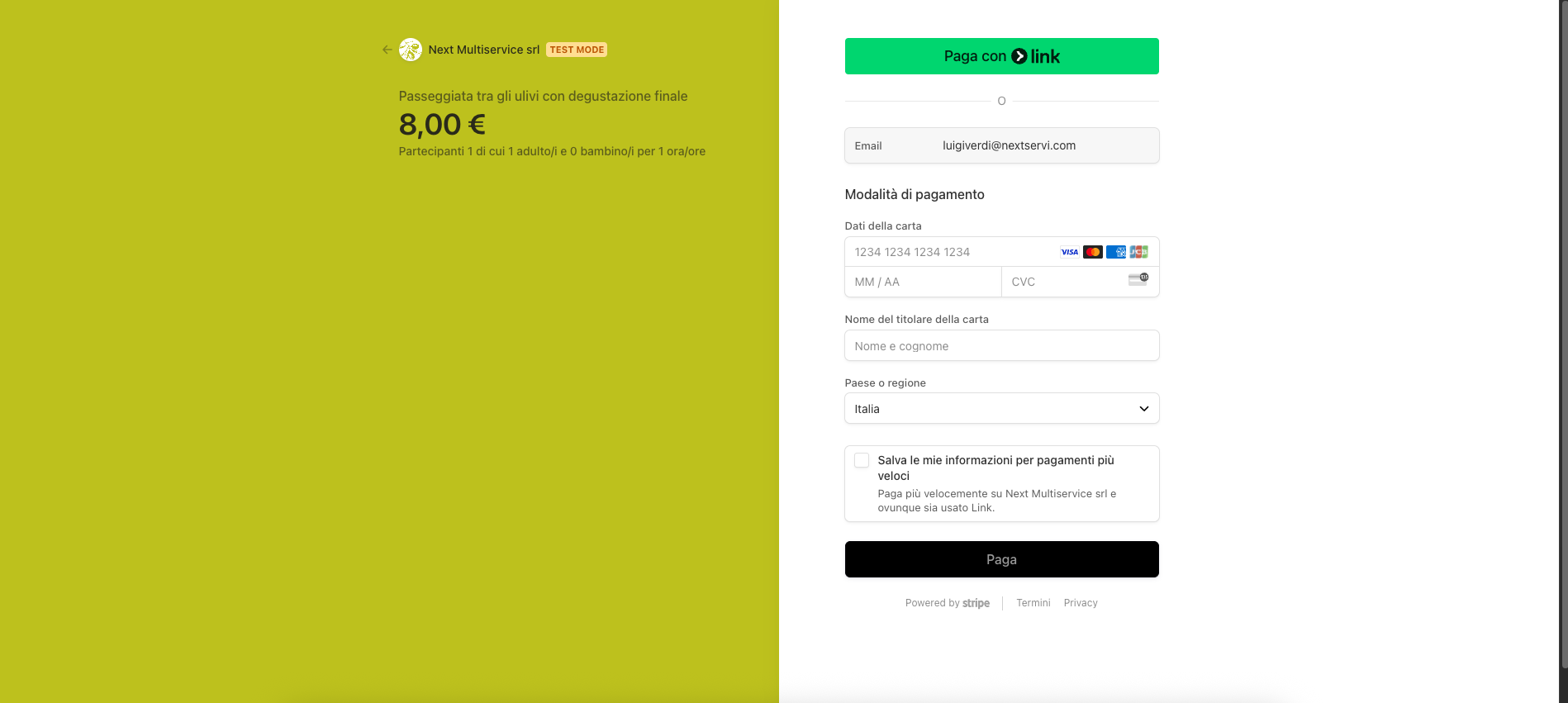
5- Enter payment information
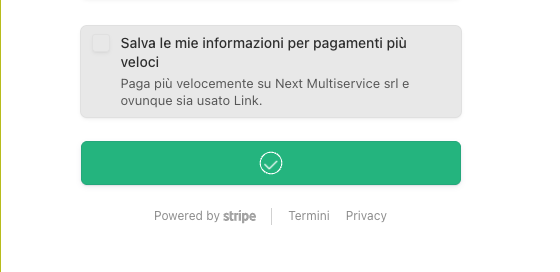
On the next screen, enter your payment card details. Once complete, click "Pay" to complete the booking. If everything is correct, you will see a confirmation checkmark.
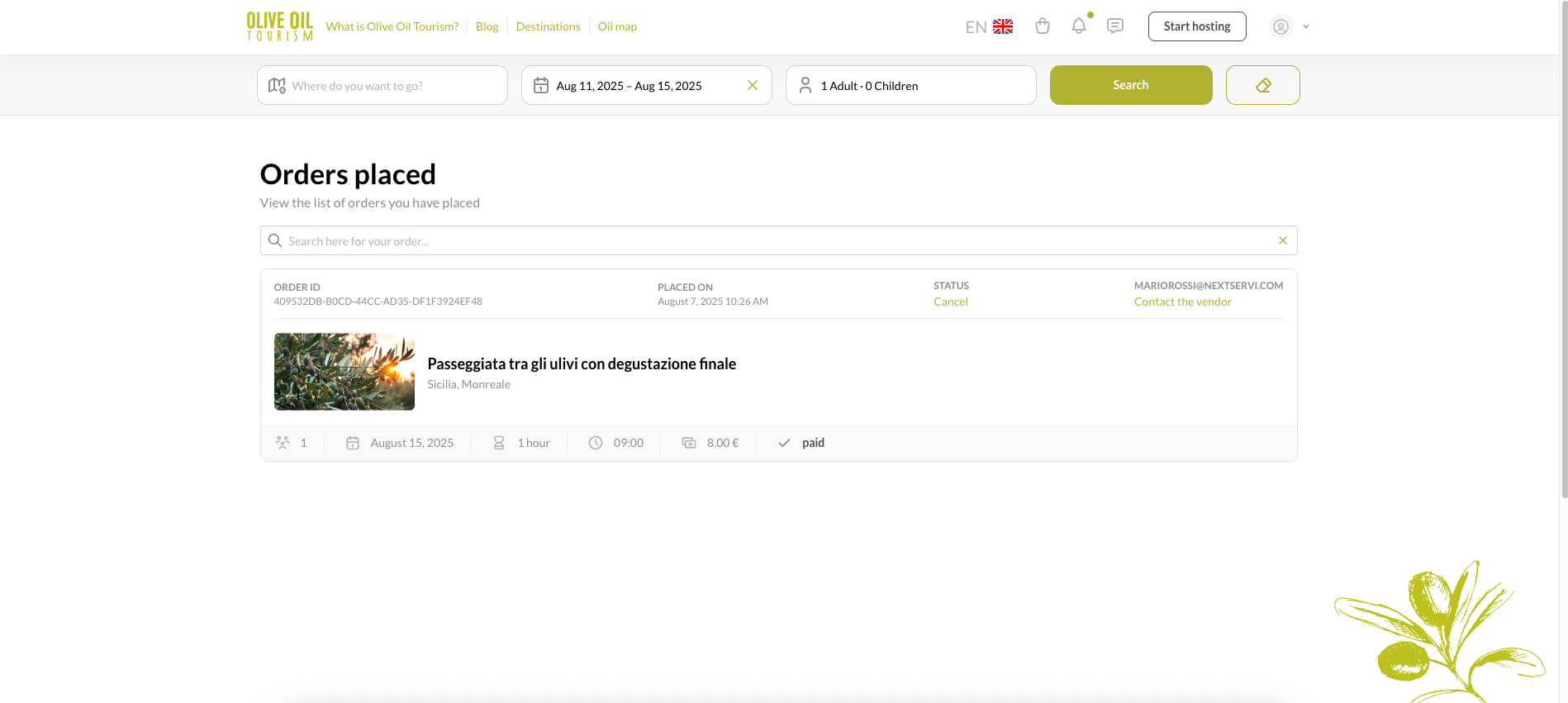
6- View your order
You can view all your bookings in the "My Orders" section of your profile.
-
S Support ha bloccato questa discussione su