
🇬🇧 Registration as a user
-
1- Accessing the Home Page
Once you've opened the website's home page, click the "Register" button in the top right to begin the registration process.

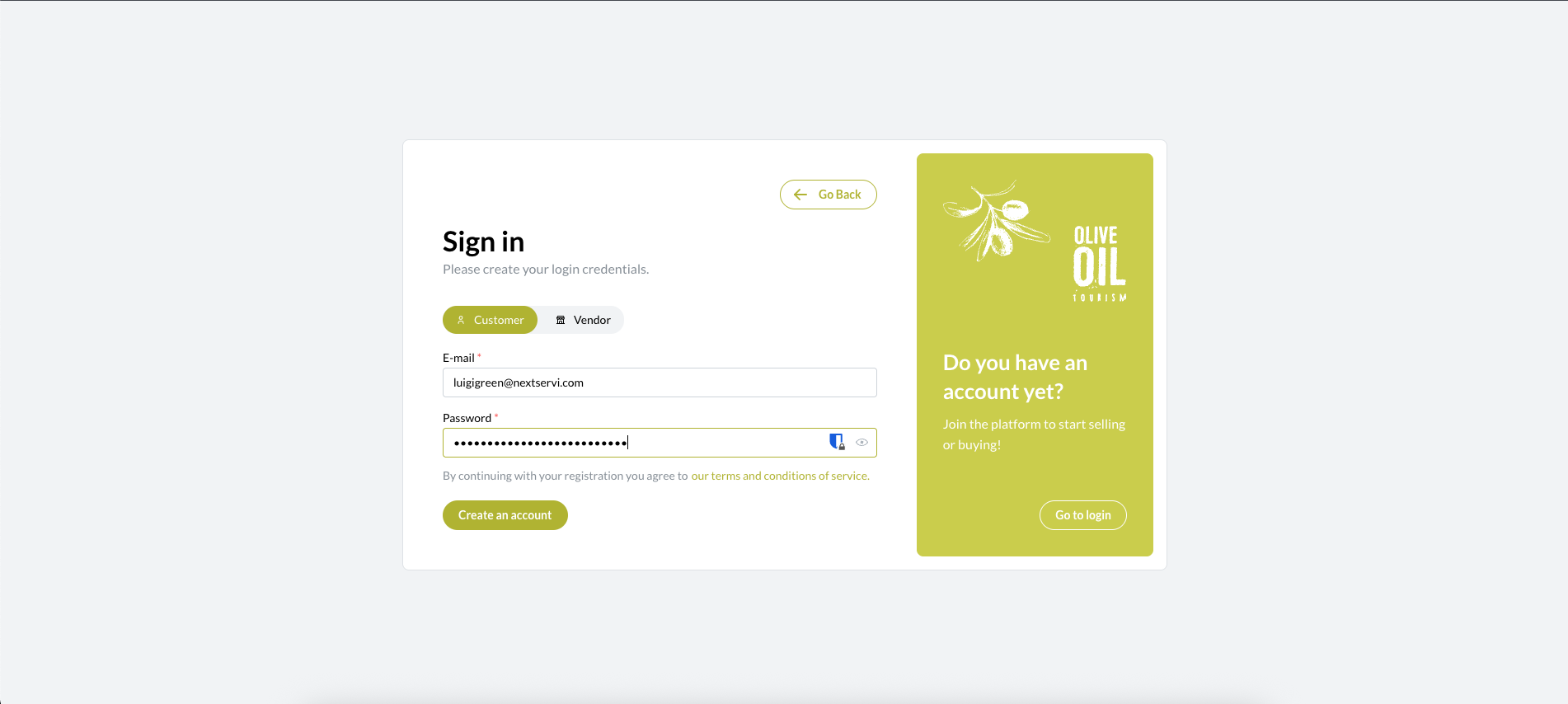
2- Registration - Select "User" and enter your email address and password.
On the registration screen, select the "User" profile, then enter your email address and choose a secure password.
3- Login: Entering Credentials
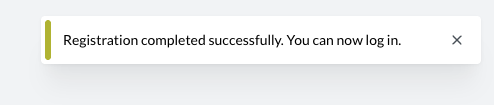
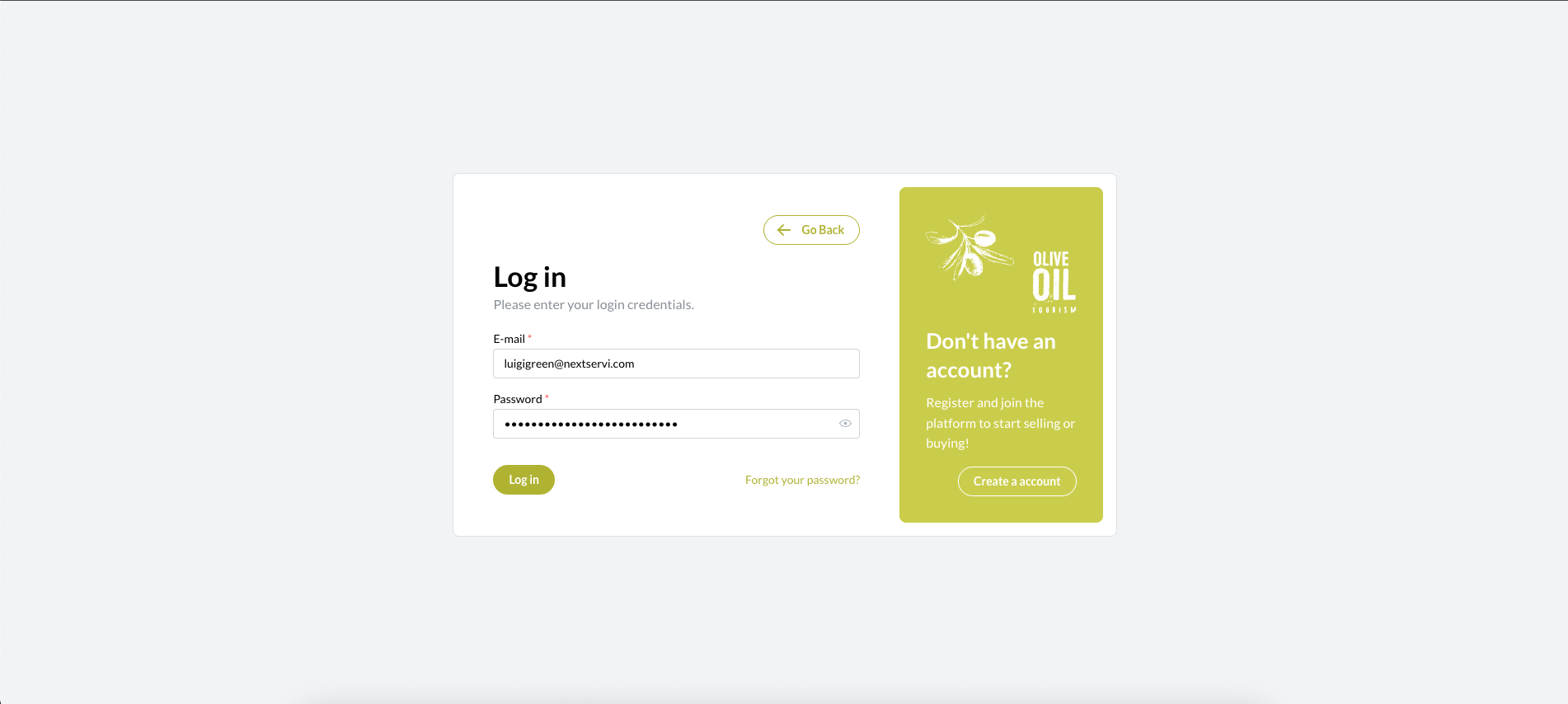
After registering, you will be redirected to the login page. Enter the same credentials (email and password) you just created to log in.
4- Completing Your User Profile
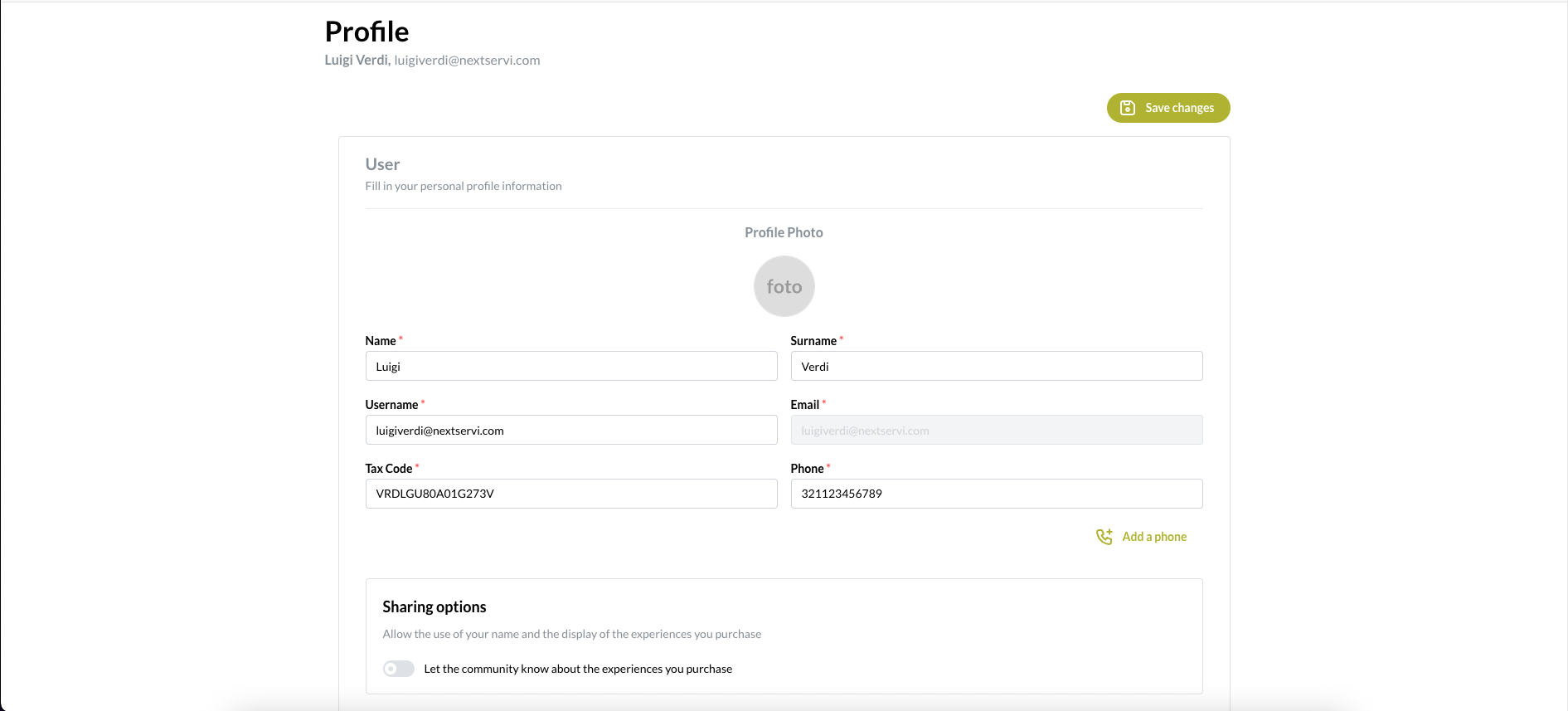
Once logged in, you will be redirected to the profile page, where you will need to complete all the required information marked with an asterisk.
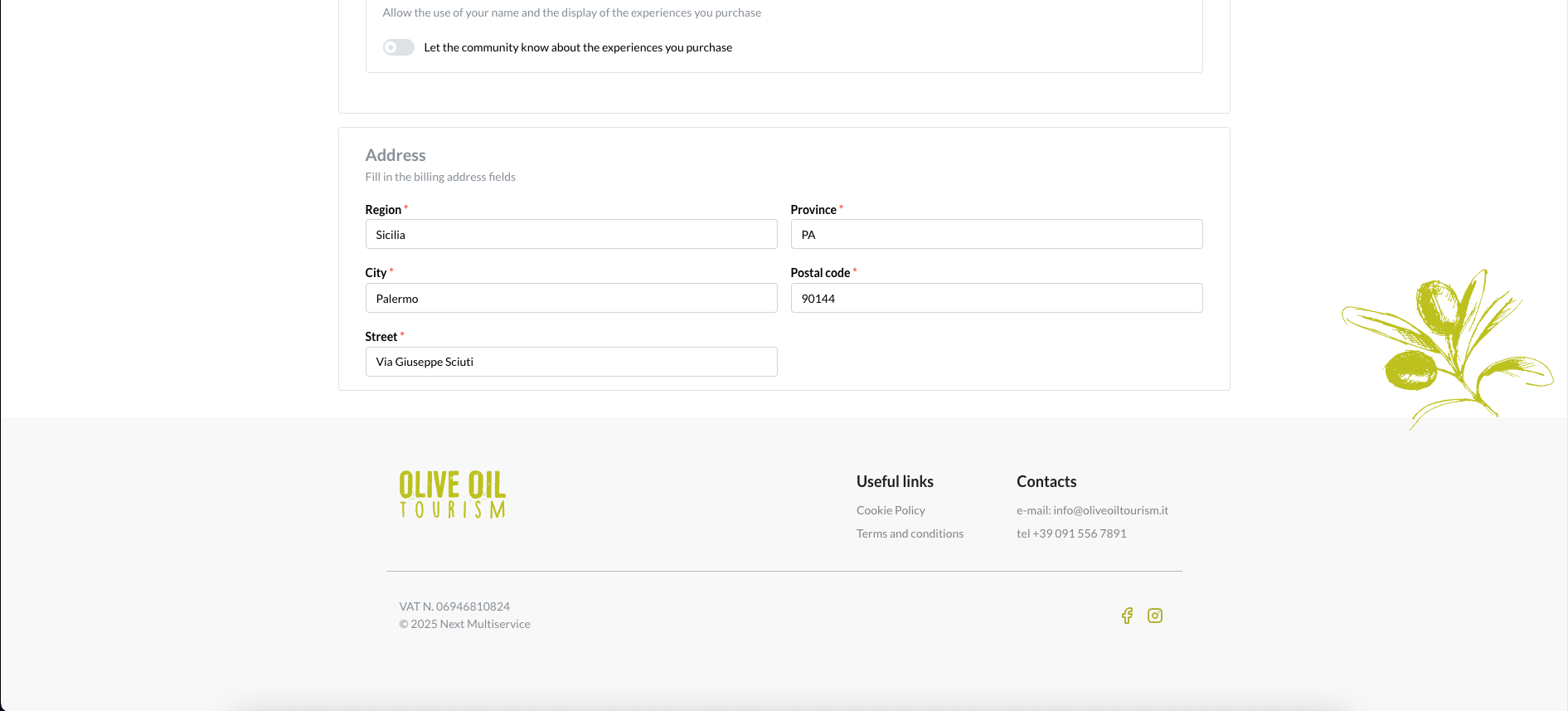
5- Saving Changes
After completing all the required fields, click the "Save Changes" button at the bottom of the page to update your profile.
6- Saving confirmation
If everything has been entered correctly, a confirmation notification will appear indicating that your profile has been successfully updated.

-
S Support ha bloccato questa discussione su